Renter Guide
Logging in
Ask property staff to confirm your login email and that your renter account is active. Go to /renter-login and sign in with that email. New accounts use Password123! unless your password has already been changed. Existing passwords stay the same. After your first sign-in, open My account to choose your own password.
The screenshots below use example records. Your property details, balances, badges, and available bookings depend on your account. Select any screenshot to open it full size.
Credits, deposit deductions and refundsShow steps
Staff record how received credits are used; your account statement shows the result.
- Review deposits, advance rent and unapplied receipts in your account statement. These remain separate from invoice balances until staff applies them.
- When staff applies a credit, review the reduced invoice balance and the Credit applied notification.
- For move-out, ask staff to complete final utility and damage charges before agreeing a deposit refund.
- A recorded refund appears separately in your statement. Confirm the actual payment through the agreed channel; the system records the refund and does not transfer money.
- Hotel stay and association charges use the same invoice/payment verification process when linked to your account.
My account: profile, password and photoShow steps
Manage your profile details, password and photo in separate sections.
- Open Account in the header, or More > My account in the bottom navigation.
- In Profile details, update Full name or Login email and select Save profile. Password fields are not required for this section.
- To change your password, use Change password: enter Current password, New password and Confirm new password, then select Change password. New passwords must contain at least 10 characters.
- In Profile photo, choose a JPG, PNG or WEBP image up to 5 MB and select Update photo. Photo uploads require connected storage.
- Wait for the success message. Email and password changes sign out other sessions; your current session stays signed in.
- Staff receive notifications about renter name, email and password changes. Password values are never included.
My Rental homeShow steps and screenshot
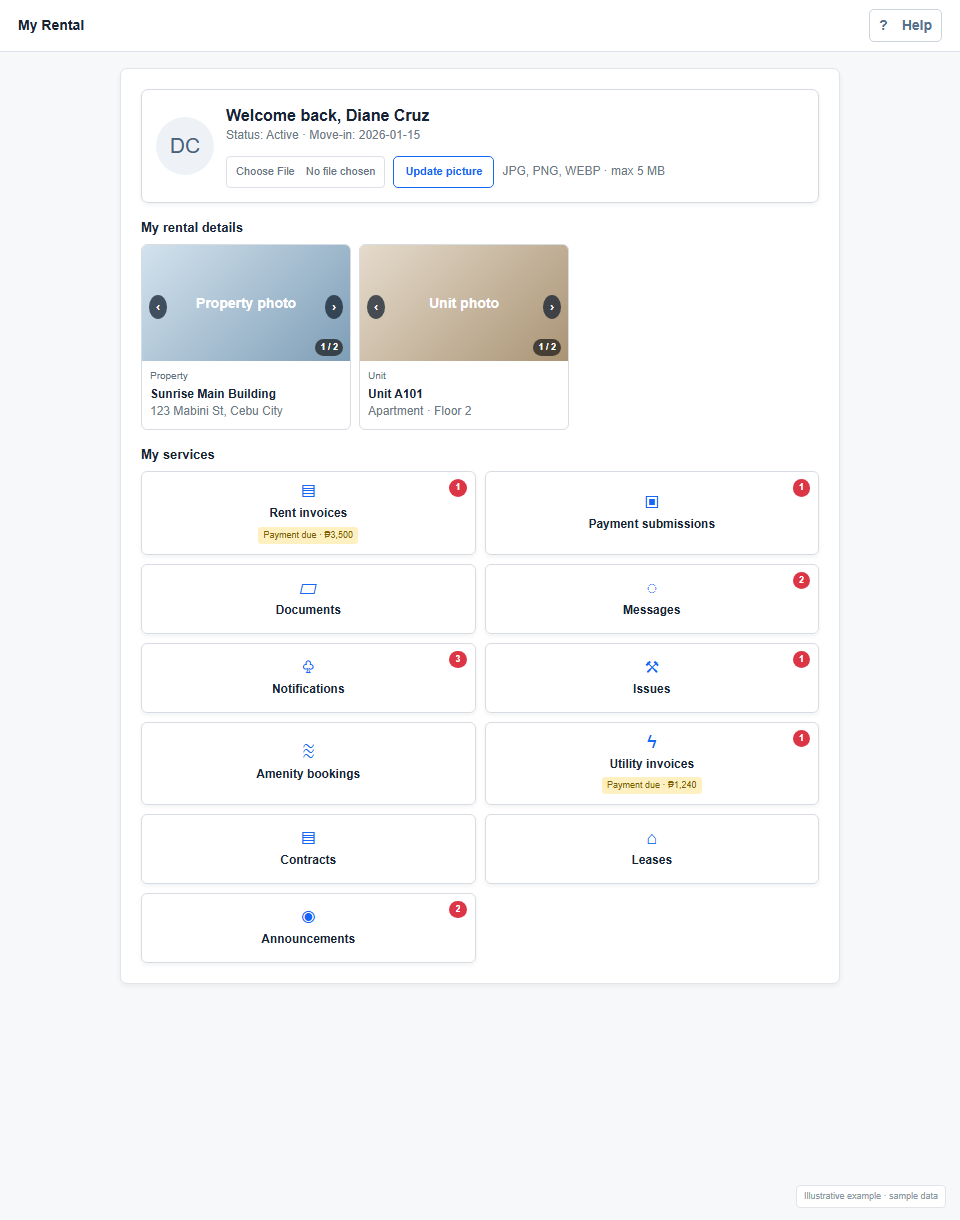
The home page brings your profile, assigned rental space, service cards, and important updates together.
- After signing in, check your renter status and move-in date in the welcome card.
- Check Your payments for separate rent and utility balances, the earliest unpaid due date and overdue status. Select View / pay invoice to open the corresponding category.
- Expand My rental to view property and assigned unit or bed details. Use the photo arrows; select Play for a slideshow or Pause to stop it.
- Use Home, Bills, Messages and More in the bottom navigation. Badges identify unpaid invoices, unread messages and notifications. Profile photo editing is available in Account.
- Select a service card to open invoices, documents, messages, notifications, issues, amenity bookings, or announcements. Badges and status labels call out updates, payment due, and overdue balances.
Rent and utility invoicesShow steps and screenshot
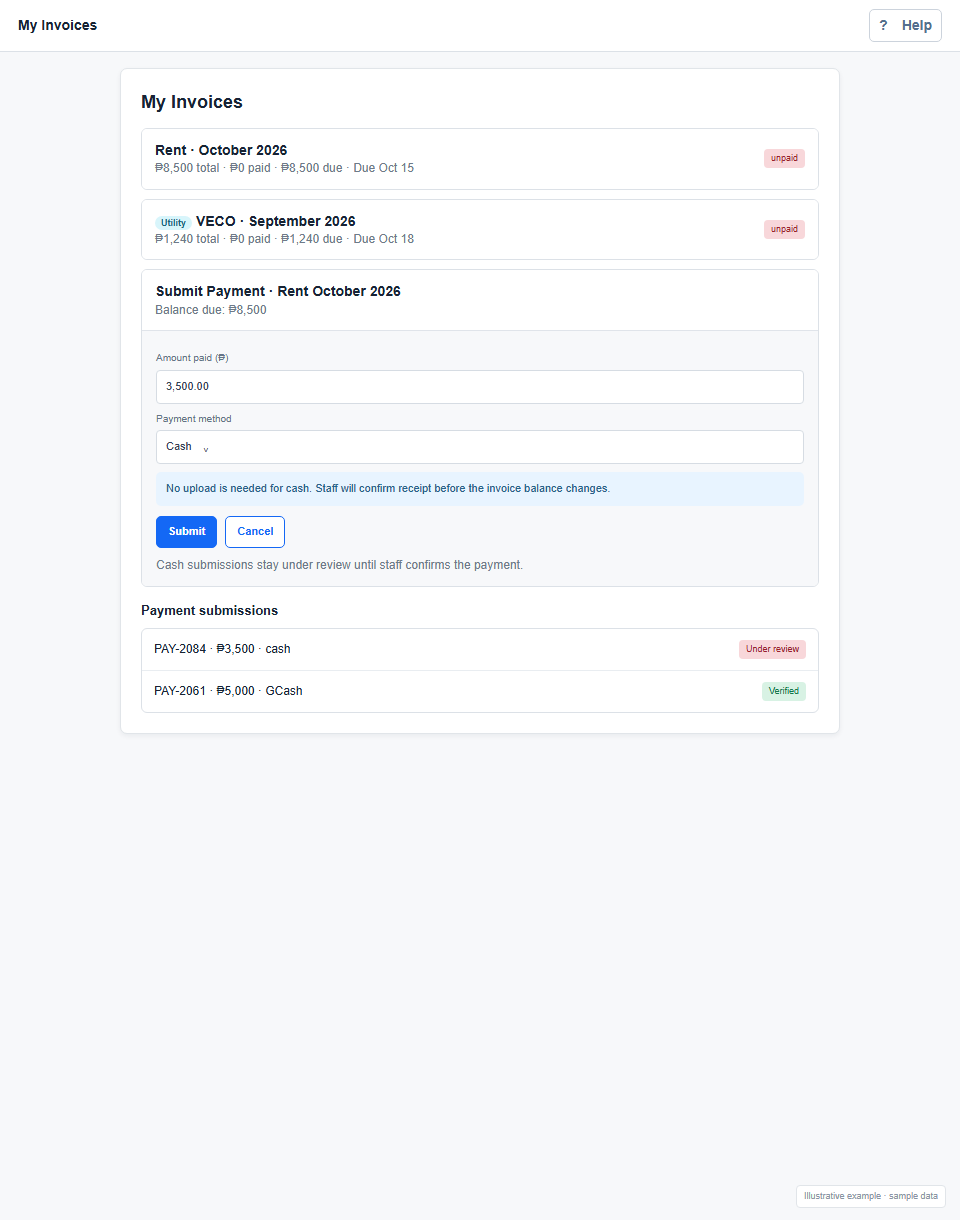
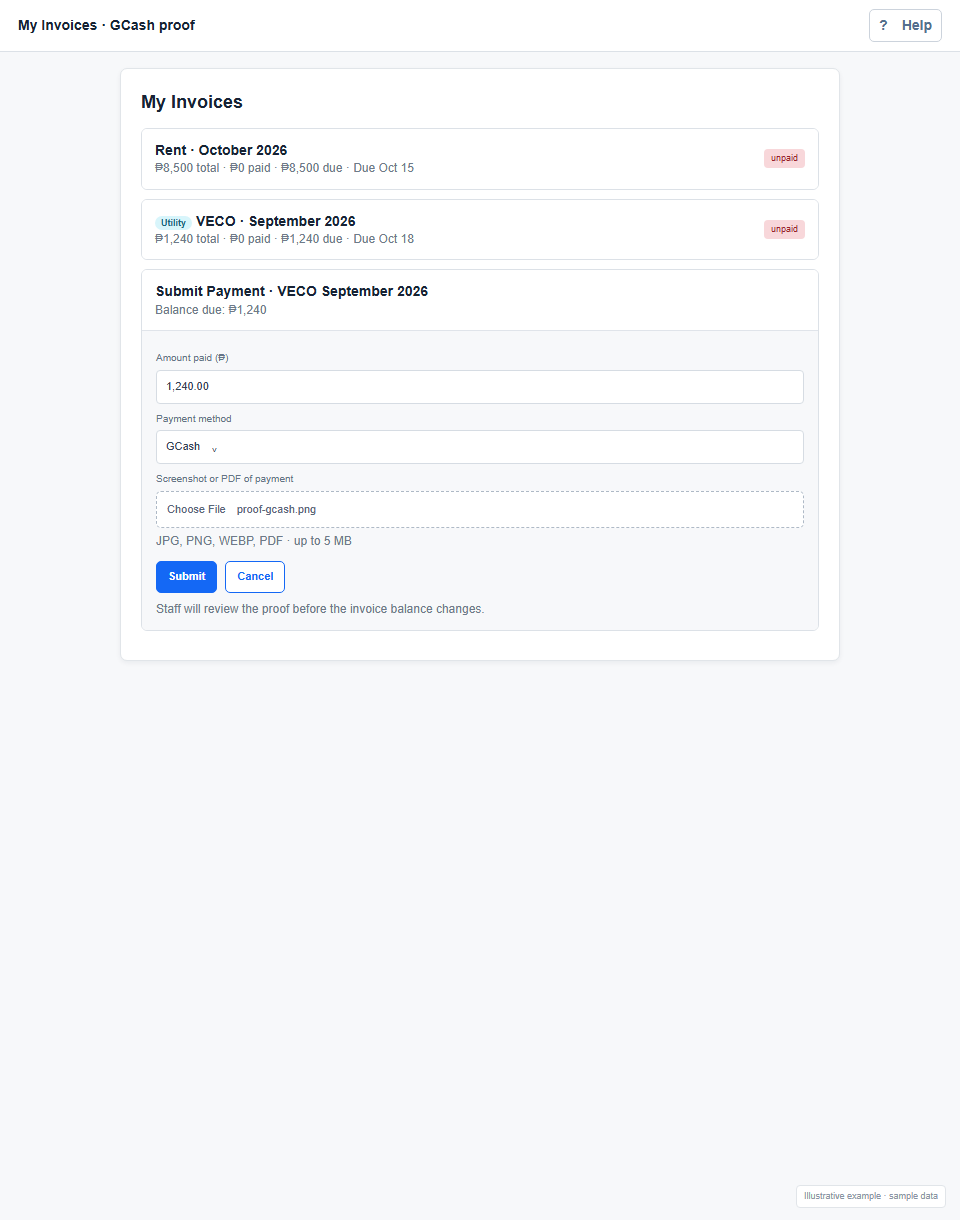
Rent and utility actions open the corresponding category in Bills and payments. Each invoice shows its total, amount paid, remaining balance, due date, and status.
- Open Rent invoices or Utility invoices from the home page, then find the bill you want to pay. Utility bills have a Utility label.
- Select Submit Payment, enter an amount greater than ₱0 and no more than the balance, then choose how you paid.
- For cash, no file upload is needed. Submit the amount; it remains under review until staff confirms receipt.
- For GCash, Maya, Bank Transfer, or Other, attach payment proof when Google Drive storage is connected. Otherwise submit the amount and method, and share evidence externally.
- If you pay only part of the balance, submit the actual amount paid. After staff verifies it, the remaining balance is still due.
- Select Payments to check submissions for Under review, Verified, or Needs attention. The invoice balance changes after staff review; submitting proof does not pay the invoice instantly.
Documents, contracts, and leasesShow steps and screenshot
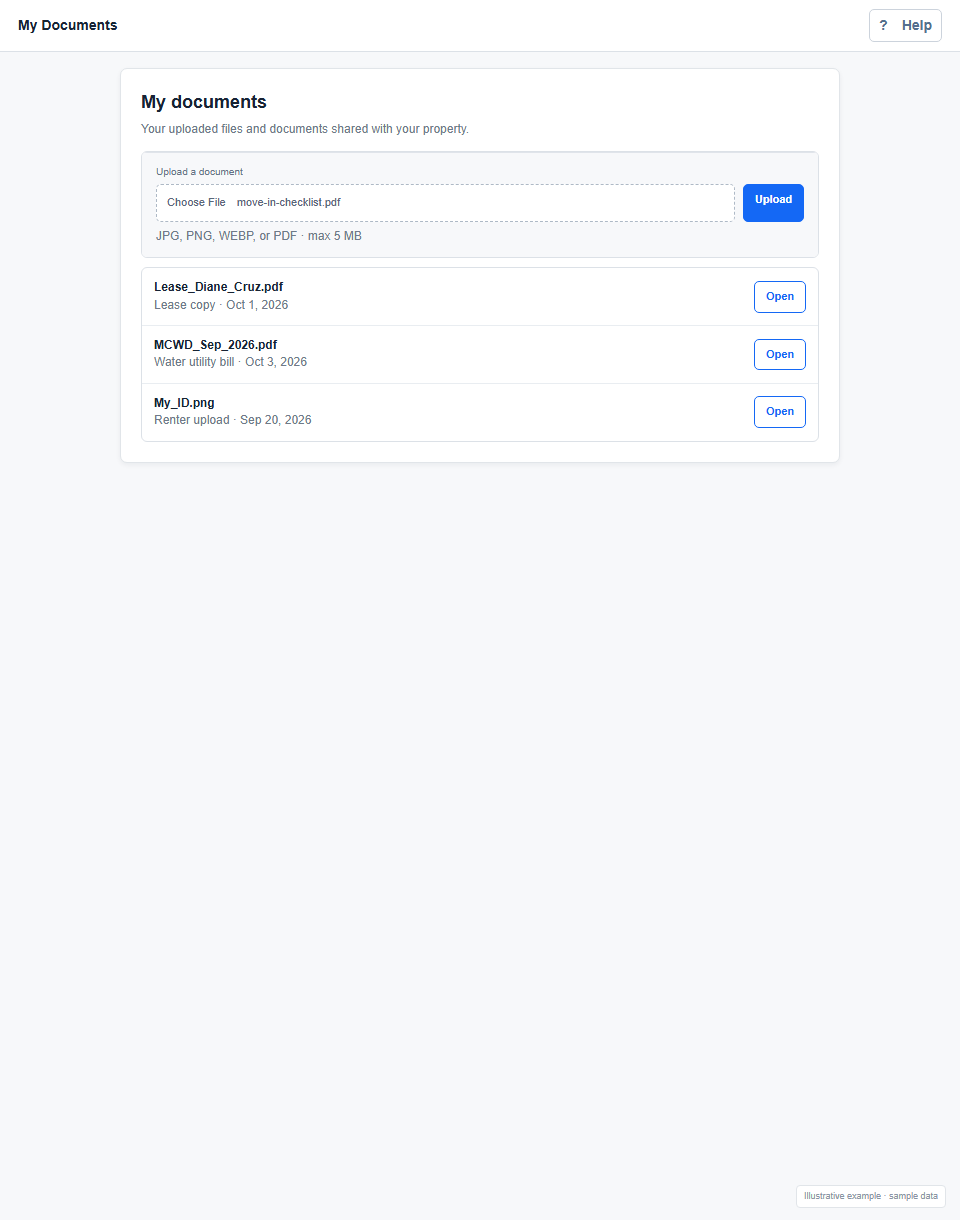
My Documents contains files you upload and files property staff share with you. The Contracts and Leases cards open their corresponding category within this repository.
- Open Documents, Contracts, or Leases from the home page.
- To add your own file, choose a JPG, PNG, WEBP, or PDF up to 5 MB and select Upload.
- Use Contracts and Leases to find the agreement files shared by staff. Agreed deposit or advance amounts become recorded account balances only after staff records receipt.
- Find a shared or uploaded file in the list and select Open to view it.
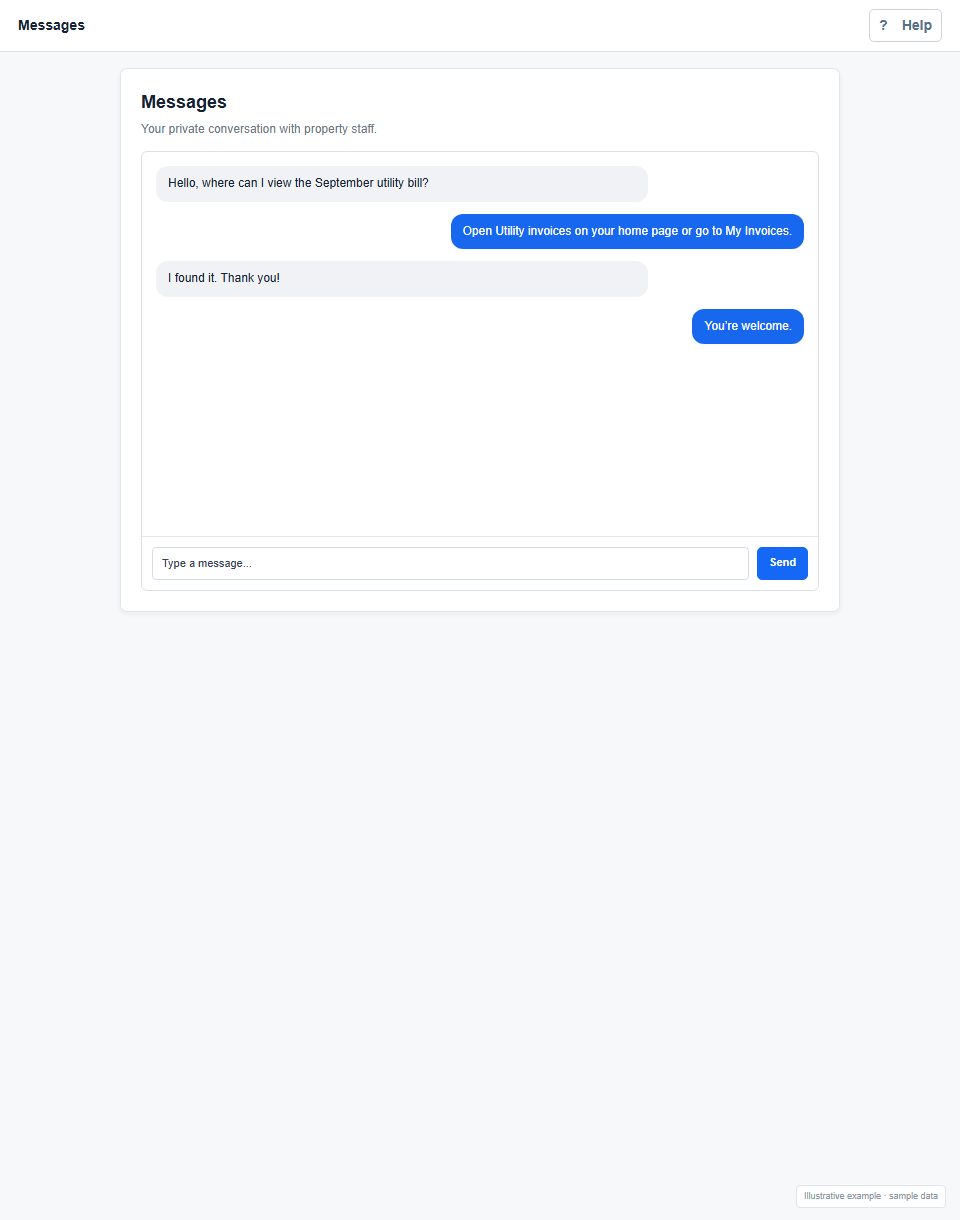
MessagesShow steps and screenshot
Messages is a private conversation with property staff for questions and requests that do not need a repair ticket.
- Open Messages from the home page.
- Read the conversation, type your message in the box at the bottom, and select Send. Press Enter to send as well.
- For a repair that needs progress tracking, use Issues / Maintenance instead.
NotificationsShow steps and screenshot
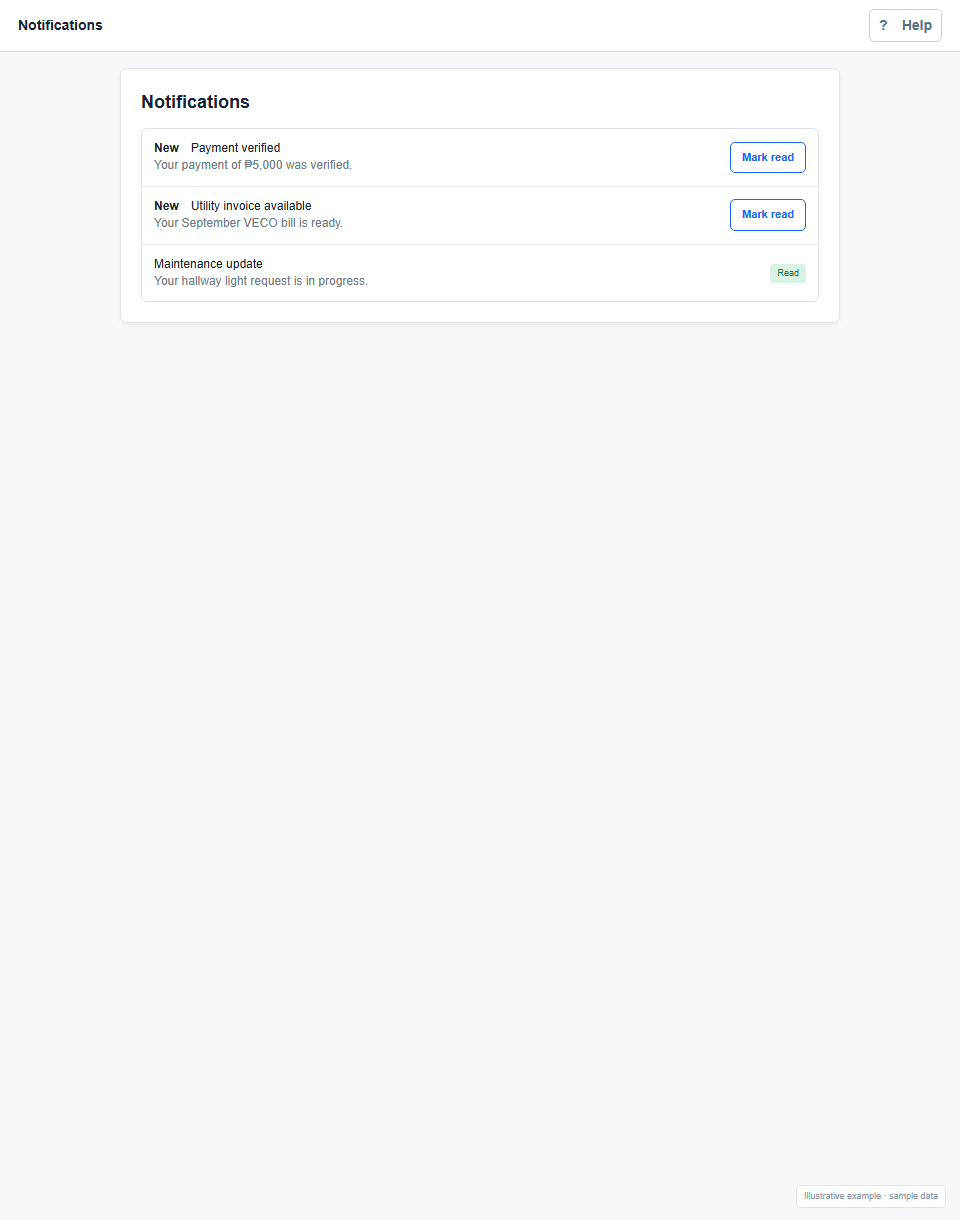
Review payment results, utility updates, and daily rent reminders. Payment reminders remain active until staff verifies full payment.
- Open Notifications to read new alerts; unread items are marked New.
- Payment reminders begin five days before the due date. Their red shade deepens as the date approaches, and overdue reminders remain red. Dates and times use Philippine time.
- Open View invoices / submit payment from a payment reminder to review the balance and submit your payment.
- Select Mark read after reviewing an item. Reading a reminder or uploading proof does not settle the balance. Reminders stop after staff verifies full payment; a verified partial payment leaves reminders active for the remaining balance.
- Alerts refresh while the portal is open and when you return to its tab. New daily reminders are generated when the system is used; they do not depend on an unattended background job.
Issues and maintenanceShow steps and screenshot
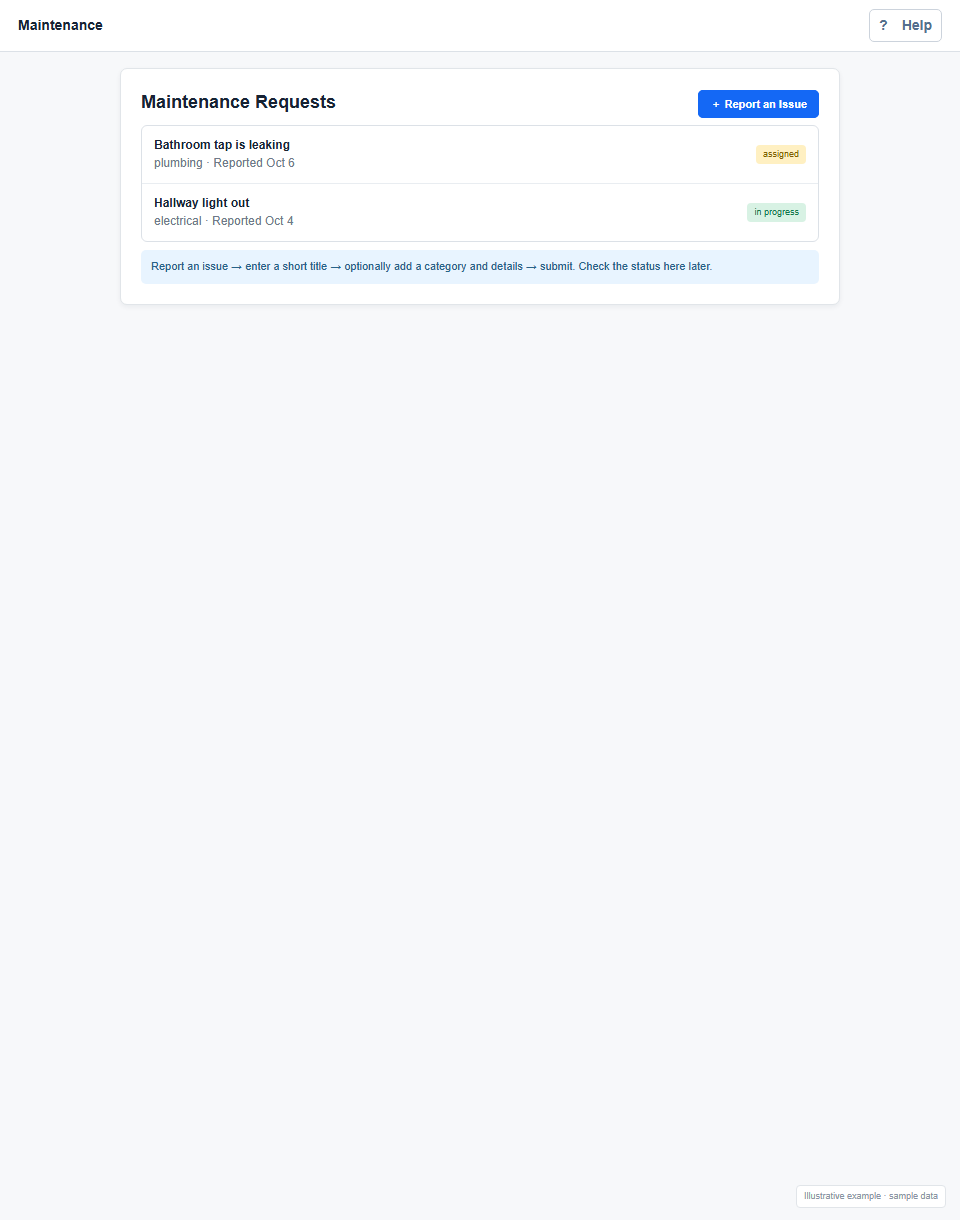
Report a repair and check its status as staff assigns and completes the work.
- Open Issues or Maintenance and select Report an Issue.
- Enter a short title describing what needs fixing. Add a category and more details if helpful.
- Select Submit. Return to the page later to see whether the request is open, assigned, in progress, on hold, or completed.
Amenity bookingsShow steps and screenshot
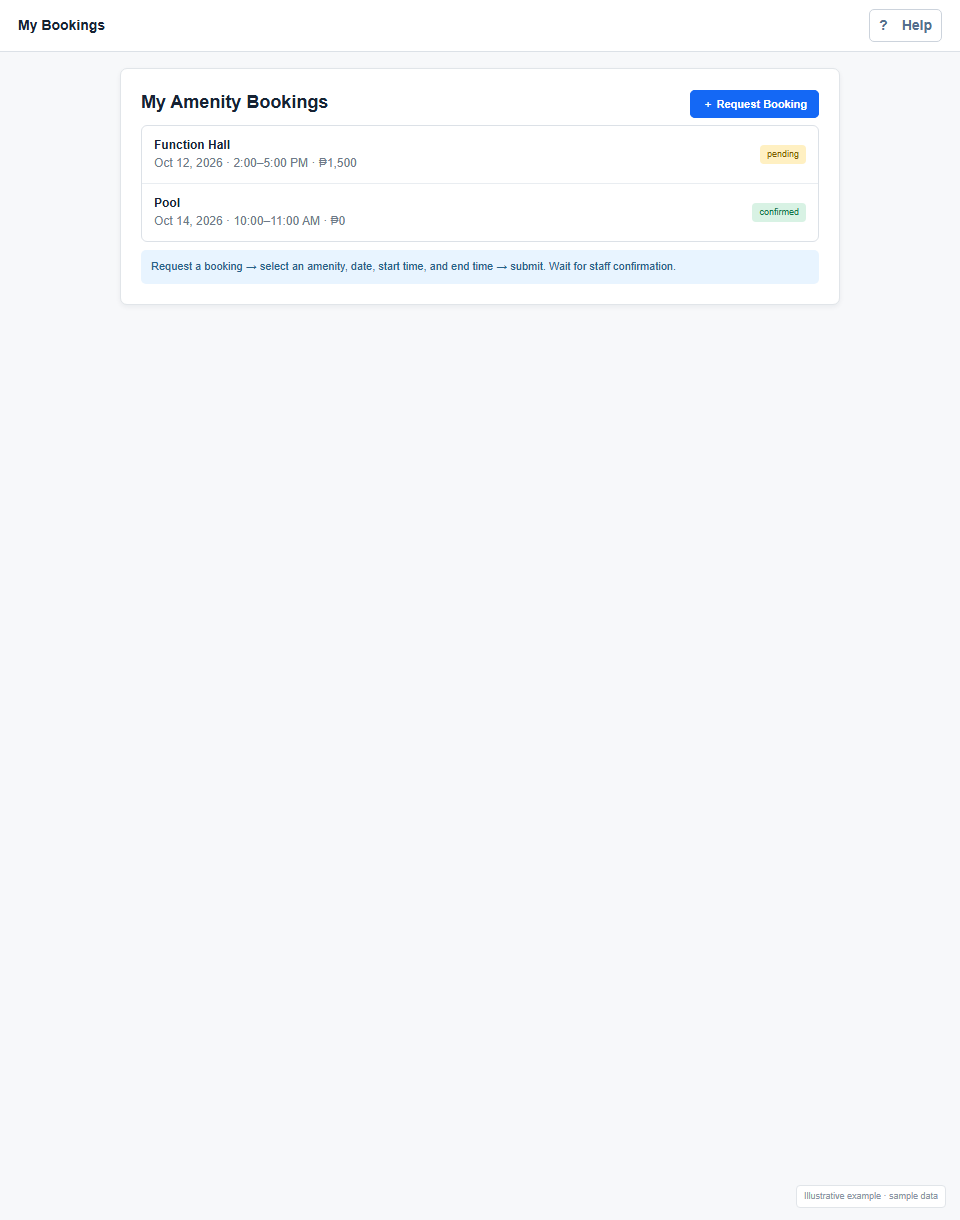
Request a shared facility such as a function hall or pool, then wait for staff to confirm availability.
- Open Amenity bookings and select Request Booking.
- Choose the amenity, date, start time, and end time, then submit the request.
- Check the booking list for its pending, confirmed, completed, or cancelled status and the amount.
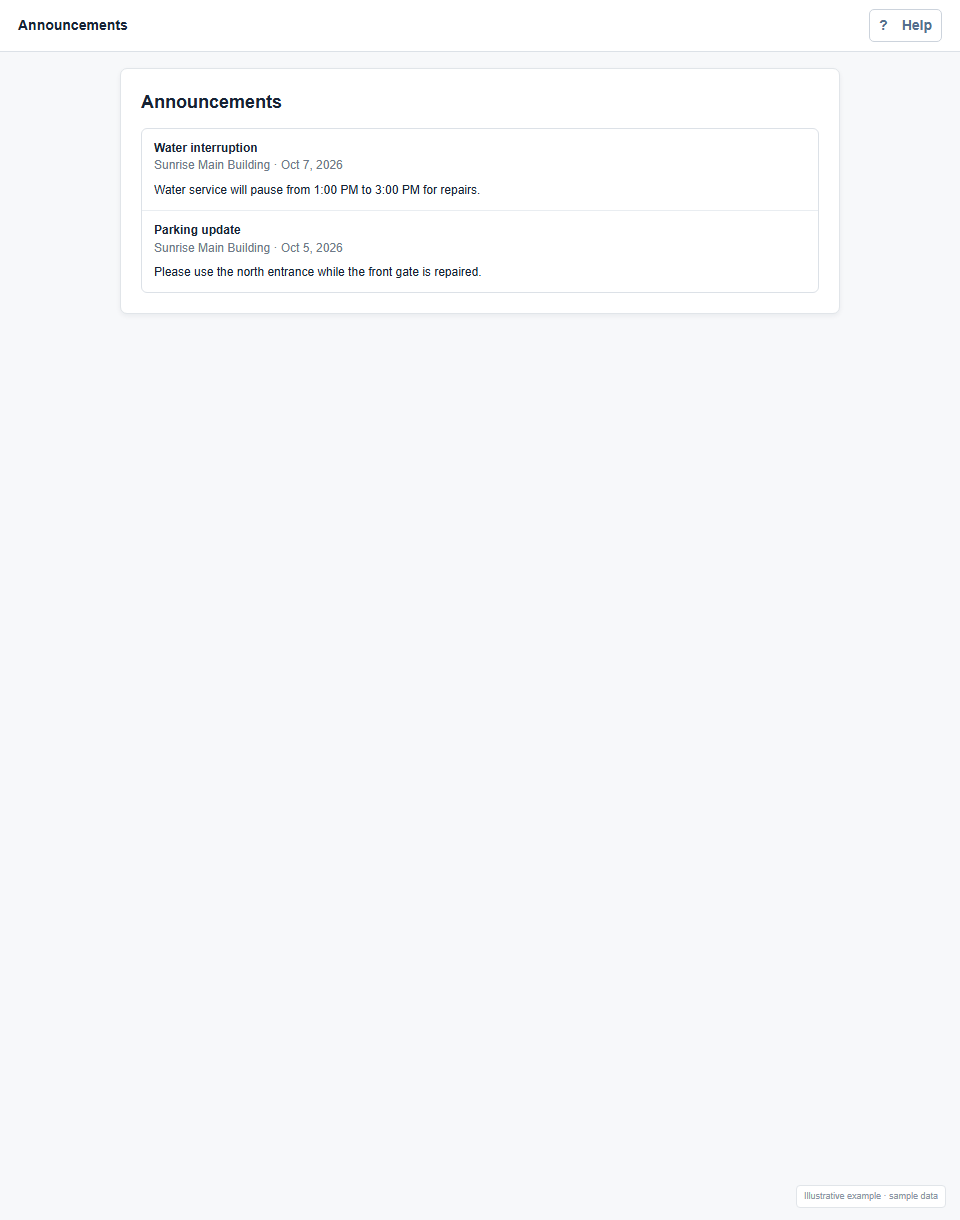
AnnouncementsShow steps and screenshot
Read property-wide updates posted by staff.
- Open Announcements from the home page or its update badge.
- Read the notice title, posting date, and message. This page is view-only for renters.
Account sign-in help
- Current password is incorrect: enter the password you use now, rather than the new password. The default works only while it has not been changed.
- Email already belongs to another account: use another email or ask staff to check whether a duplicate renter record exists.
- New passwords do not match: re-enter the same new password in both fields.
- Unable to sign in: use your most recently saved email and password. Ask staff to check your login email and active renter status if access still fails.
- Forgotten password: contact property staff for help. The My account form requires your current password; it cannot recover a forgotten one.